Reports: Institution, Site and Department Filters
Many reports narrow their results with three dropdowns: Institution, Site and Department. The Department list follows what you choose in the other two:
| Institution | Site | Department list shows |
|---|---|---|
| All Institutions | All Sites | Every department |
| Chosen | All Sites | Departments of that institution |
| All Institutions | Chosen | Departments of that site |
| Chosen | Chosen | Departments of that institution at that site |
Change the Institution or Site first, then open Department. The list refreshes as soon as either one changes.
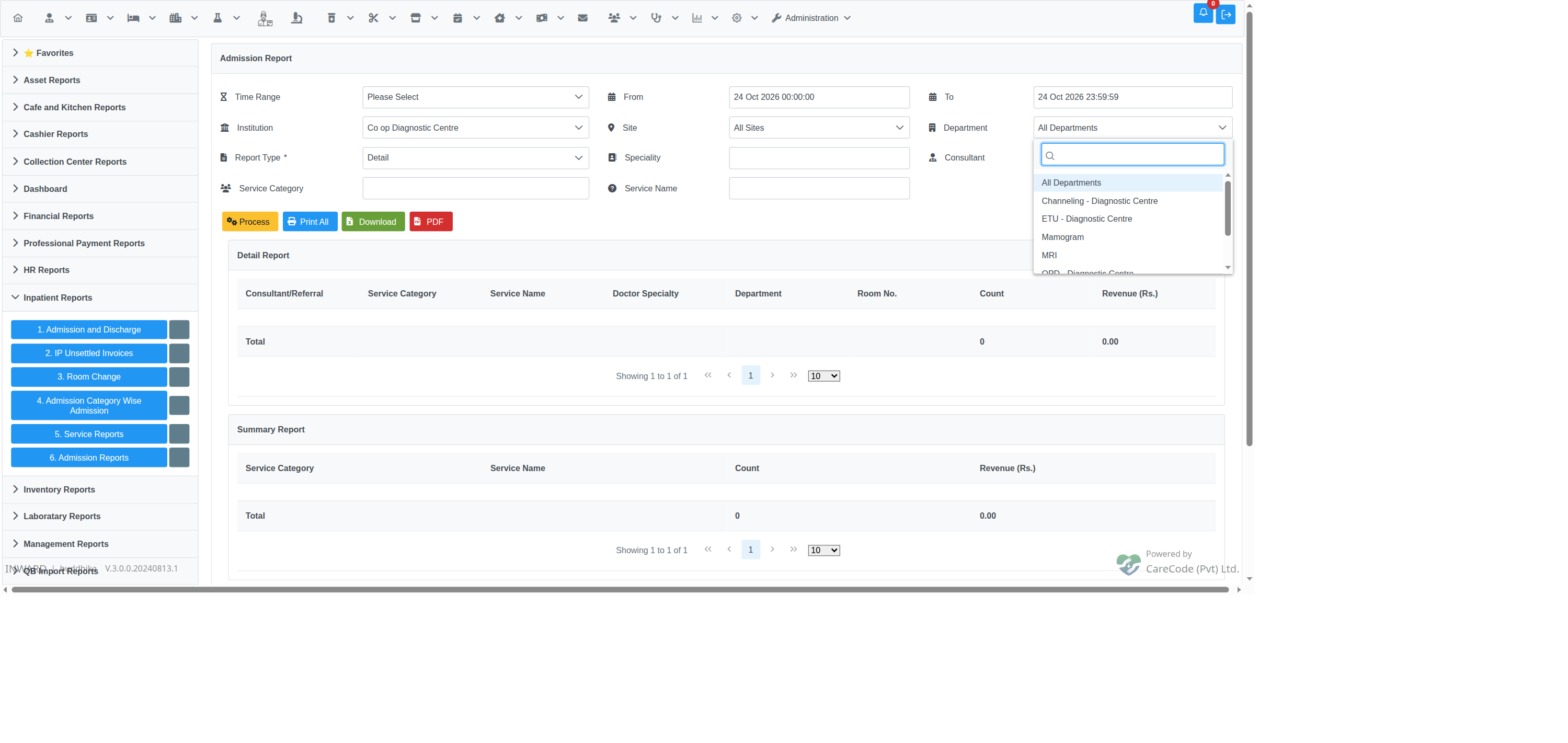
Institution chosen and Site left as All Sites: the Department list shows that institution's departments.
Before issue #24677 was fixed, choosing an Institution with Site left as All Sites usually left the Department list empty on the reports below. You could not narrow those reports to one department of the chosen institution. The Admission Category Wise Admission report had the same problem and was fixed in #24651.
Reports this applies to
Reports → Reports → Inpatient Reports: 1. Admission and Discharge · 5. Service Reports · 6. Admission Reports · 4. Admission Category Wise Admission (page)
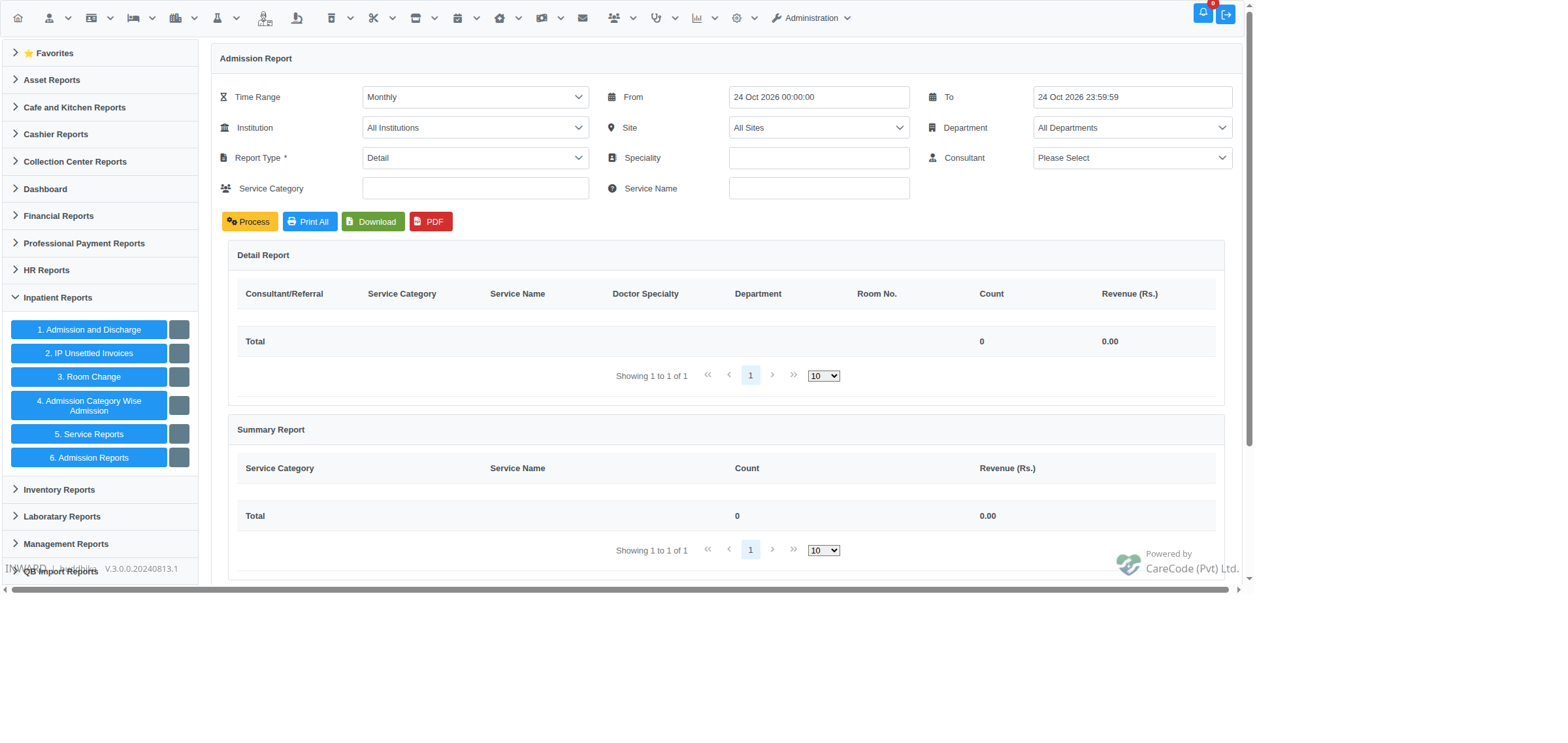
Not yet built: 5. Service Reports and 6. Admission Reports are layouts only. Their filters work, but Process does not produce results yet. Before issue #24683 was fixed, clicking Process on them showed an error page; it now returns to the report with no error. The same applies to many reports under HR Reports and Salary Reports.
6. Admission Reports after clicking Process: no error, but the tables stay empty because the report is not built yet.
Reports → Reports → Inventory Reports: 1. Closing Stock · 3. Stock Transfers (both the From and To department; page) · 5. Good in Transit (both From and To) · 7. Batch Wise Stock · 8. Slow/Fast/None Movement Report (page) · 9. GRN (page) · 12. Stock Ledger · 12. Stock Leger (Legacy) · 13. Expiry Item Report
4. Cost Of Good Sold drill-down reports: Opening Stock, GRN Cash, GRN Credit, Purchase Return, Sale, Sale Credit, Drug Return OP, Drug Return IP, BHT Issue, Transfer Issue, Transfer Receive, Stock Adjustment Issue, Stock Adjustment Receive, Stock Correction, Stock Consumption, Add to Stock Bills
Reports → Reports → Management Reports: 14. Hospital Census · 15. ROOM OCCUPANCY
Pharmacy → Pharmacy Analytics: Pharmacy Direct purchase Report